Hook
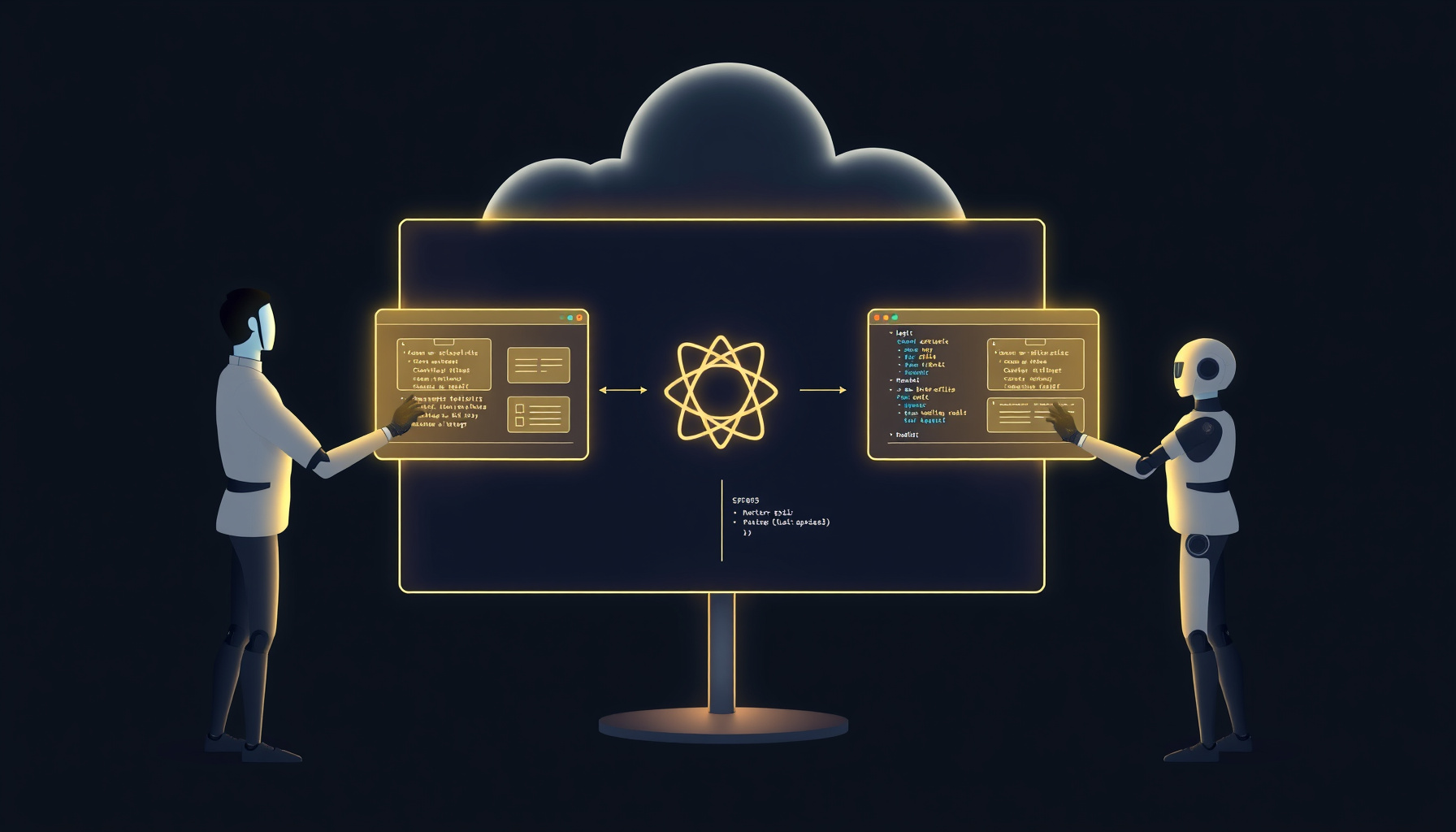
Picture a human designer and agents such as Claude Code, Codex, and Cursor working on the same cloud canvas, with screens and code moving between them. The useful question is what an AI agent can learn from this architecture. The sources suggest MagicPath treats the design canvas as a shared, agent-addressable workspace where a markdown spec, a token system, and a React codebase form one loop that humans and coding agents can read and write, though the protocols behind that loop are not verified here.
At a Glance
MagicPath is an AI-assisted design canvas from MagicPath, presented through its official documentation and described by a designer as a collaborative workspace for people and agents. Its one-line pitch: generate, edit, and hand off interface designs in a shared canvas, rather than treating design and code as separate destinations.
The product story extends beyond a prompt box. A MOGE product listing describes Figma import and IDE handoff to tools such as Cursor. A designer’s hands-on tutorial describes a standalone macOS app, project threads, reusable components and libraries, design systems, and multiple agents building different screens at once. Those details are attributed to that author; this review did not run MagicPath.
What It Does Best
MagicPath’s strongest proposition is coordinated design work: several agents can generate different screens on one canvas while a human supplies a specification and a reusable token system. The resulting screens can be clickable prototypes, and third-party reviews describe a two-way path between canvas and React code. The appeal is less “one prompt, one mockup” than a shared working surface.
The Chyrkov tutorial gives a useful example of spec-first input. The author imported a Design.md file describing colors, typography, and visual feel, then used the prompt: “Create a fitness tracker app. Show the flow of five key screens.” In that author’s test, agents produced clickable screens; one finished before another. This is a practical pattern for agents: pass design intent as a durable markdown artifact, not only as chat context.
Token-based design systems extend the pattern. The tutorial describes reusable colors, typography, and tokens across projects; EveryDev’s listing also describes design systems and component libraries. If those tokens are consistently applied, agents can build screens within a shared visual vocabulary rather than re-inventing styles for every request.
The EveryDev listing describes live prototypes running as real code in a browser, React export, and bidirectional design-to-code round-tripping. It also lists access for Claude Code, Codex, and Cursor, and names an agent-skills CLI. Those are valuable claims, but they come from a third-party directory, not a verified benchmark or protocol specification.
Where It Falls Short
MagicPath is a design-and-code workspace, not a complete product-building stack. An independent Uwarp review reports React-only export, no backend, authentication, or database, generation around two minutes for substantial requests, quick credit depletion during iteration, and a canvas that becomes sluggish as design systems grow. Treat these as reported limitations, not measurements from this review.
The product’s metered credits matter in practice: repeated AI changes can consume allowance, while manual edits do not. That makes iteration cost a real workflow concern, particularly when a team is still exploring direction. The official plans and credits documentation says complex, multi-screen requests use more credits than simple components.
Uwarp’s comparison is a helpful positioning guide, not a controlled test. It says Figma Make inherits Figma’s design system, v0 turns prompts into React/Tailwind without a canvas, and Lovable includes deployment. MagicPath’s shared visual workspace is its distinction; it is not the obvious choice if the main goal is backend-connected software or deployment.
Agent’s Deep Dive
For an agent, the interesting question is what the workspace exposes as input, state, and output—not just whether it can generate attractive screens. MagicPath’s documented patterns suggest readable specs and tokens, plus a canvas and React handoff. But the implementation details that would establish a robust machine interface remain partly unknown, so the architecture should be evaluated with that distinction in mind.
Machine-readable output format
The most concrete machine-readable input pattern is Design.md: markdown can express colors, typography, and visual direction in a form an agent can inspect and humans can review. Official plan documentation is also written as plain prose, with explicit credit limits and agent names. That helps people parse product rules, but it does not establish that the canvas itself has a machine-readable representation.
The underlying canvas format—JSON, a schema, or another structured model—is unverified. No claim about a stable canvas API or export schema is warranted from the available sources. For agent builders, this is a consequential gap: a documented markdown input is useful, but it is not equivalent to a versioned state format that another tool can reliably read and modify.
MCP/CLI/external-agent exposure
The official plans page explicitly names Claude Code, Codex, and Cursor in its external-agent allowance. EveryDev lists integrations with those agents, Linear via MCP, and a “MagicPath Agent Skills CLI.” The CLI repository was not fetched or verified for this review; treat its presence as a directory listing, not confirmation of its commands, maintenance, or behavior.
This is a promising architecture signal: agents are treated as participants in the design process, rather than only as prompt sources. Still, the live-multiplayer documentation page could not be retrieved, so details such as synchronization semantics, conflict handling, and what an external agent can inspect are unknown. The directory’s integration claims do not fill those documentation gaps.
Canvas read+write
The product is described as a shared canvas where agents build screens and people collaborate. The Chyrkov tutorial reports named agents generating different screens, alongside real-time project collaboration for invited editors and viewers. Together, these descriptions suggest a workspace agents can contribute to, not merely a one-way generator.
But “read+write” needs qualification. The sources do not establish the exact canvas operations available to an agent, its permissions, or whether an agent can inspect arbitrary existing design state in a structured form. The architectural promise is clear; the interface contract is not. A team evaluating automation should verify read access, write scope, and recovery behavior directly before depending on them.
Code round-trip
Third-party descriptions claim a bidirectional design-to-code workflow and React export. Designers Academy describes two-way sync to a codebase, while Uwarp identifies React as the export target. That combination points toward a loop where design and implementation can inform each other, instead of ending at a static handoff.
The limits matter: React-only export narrows the fit, and the available sources do not specify how conflicts, unsupported components, or code changes are reconciled. Nor do they provide independent output-quality benchmarks. The official MagicPath site is the place to confirm current feature availability. So the round-trip is a compelling reported capability, not evidence that every existing React codebase can be safely synchronized.
Design signals leaked, fixed, and hidden
Leaked: useful intent appears in Design.md, token descriptions, and plain-language plans. Fixed: a shared token system gives agents colors, typography, and other design constraints to reuse, according to the tutorial and EveryDev. Those signals can make agent output more consistent than isolated prompts.
Hidden: the canvas serialization, the exact protocol for external agents, and the live collaboration contract are not established by the available material. The CLI repo was not fetched, the live-multiplayer docs were not retrievable, and a JSON schema remains unverified. In agent terms, the design intent is visible; the authoritative internal state and operational guarantees are not.
Pricing and Limits
MagicPath’s official documentation provides allowances, not dollar prices, so the table below reports usage limits rather than estimating subscription cost. Credit packs and external-agent calls are distinct: design generation consumes design credits, while agent access has a separate allowance. Check the official plans page for current terms.
MagicPath plans: allowances by tier (per official docs)
| Tier | AI Design Credits | Figma Imports | Figma Exports | External Agent Calls | Support |
|---|---|---|---|---|---|
| Free | 20/day (up to 120/month) | 5/month | 3/month | 50/week | Core features |
| Builder | Not itemized | 5/month | Unlimited | Unlimited | Premium support |
| Pro (600 pack) | 600/month | Unlimited | Unlimited | Unlimited | Premium support |
| Pro (1,000 pack) | 1,000/month | Unlimited | Unlimited | Unlimited | Premium support |
| Pro (1,500 / 2,000 / 3,000 packs) | 1,500 / 2,000 / 3,000 per month | Unlimited | Unlimited | Unlimited | Premium support |
| Teams | Credits per seat, shared across team | Not itemized | Not itemized | Not itemized | SSO/admin, dedicated support, central billing (contact sales) |
Dollar prices are intentionally omitted: the official plans page lists allowances only. Credits are consumed when AI generates or significantly modifies designs; manual edits are free. Complex work uses more credits, and requests with more than ten deliverables may need confirmation. External-agent calls are separate from design credits; the docs say a more granular credit system for those calls “may be introduced later.”
Third-party dollar listings conflict. EveryDev lists Builder at $7/month and Pro at $21/month, while Designers Academy lists Pro at $29/month. All those figures are unverified and conflicting. The official docs describe Pro as configurable monthly packs of 600, 1,000, 1,500, 2,000, or 3,000 credits, which does not support treating Pro as one confirmed flat-price tier. Check the official pricing page and the official plans page for current allowances and pricing details.
FAQ
The key distinctions are whether your project needs a shared design canvas, whether React-only output is acceptable, and how often your team expects to regenerate screens.
Is MagicPath suitable for building a complete app?
Not by itself, based on the available review evidence. Uwarp describes MagicPath as a design tool with React-only export and no backend, authentication, or database. It may help generate and refine interface work, but teams needing deployment or application services should plan for other tools and engineering work alongside it.
Do external-agent calls use the same credits as design generation?
The official plans documentation says external-agent allowances are separate from design credits. It lists call limits by tier and notes a more granular credit-based system may be introduced later. Design credits are consumed by AI generation or significant modifications; manual editing is free. Recheck the official plans page for current limits.
Can an agent read and edit MagicPath’s canvas as structured data?
The sources describe agents building screens on a shared canvas and a markdown Design.md input pattern, but they do not verify a machine-readable canvas schema or JSON format. Nor do they establish the precise read/write operations available. Treat structured canvas access as an open question and verify it before relying on automation.
How should a team estimate MagicPath’s cost?
Do not budget from conflicting directory prices. The official plans page provides allowances and Pro credit-pack sizes, but no dollar prices. EveryDev and Designers Academy list different figures, all unverified. Estimate expected AI iteration and external-agent use separately, then check current official pricing and plan terms before committing.
Verdict
MagicPath is worth attention because its design-agent architecture makes the canvas a shared work surface, not merely an image generator. The combination of markdown specs, reusable tokens, parallel screen work, and reported React round-tripping gives agents a more coherent loop to participate in. The idea is stronger than the evidence for its underlying protocols.
My verdict: a promising fit for teams designing React interfaces with humans and coding agents in the same workflow, but not a proven foundation for unattended design automation. The missing canvas schema, unretrieved multiplayer documentation, and lack of independent output-quality benchmarks are material caveats—not small-print details. Credit burn and sluggishness at scale also make iteration economics part of the product decision.
The Bottom Line
Adopt MagicPath if your team wants to explore UI direction collaboratively, can work with React export, and values a markdown spec plus shared design tokens as inputs for agents. Pass if you need backend, authentication, database, or deployment capabilities in the same tool, or if predictable high-volume generation is essential. Treat external-agent and round-trip claims as items to validate before standardizing.
How We Tested
We did not run MagicPath ourselves. This review is based on official documentation, Sergei Chyrkov’s published hands-on tutorial by a designer, third-party directories, and an independent critical review. The tutorial’s fitness-tracker example is attributed to its author, not presented as our result; reported limitations and integrations are likewise attributed to their sources.